When you contact Octopus Deploy support with a deployment related issue, we’ll sometimes ask you to send the full deployment process, so that we can understand what went wrong. This page explains how to capture this information.
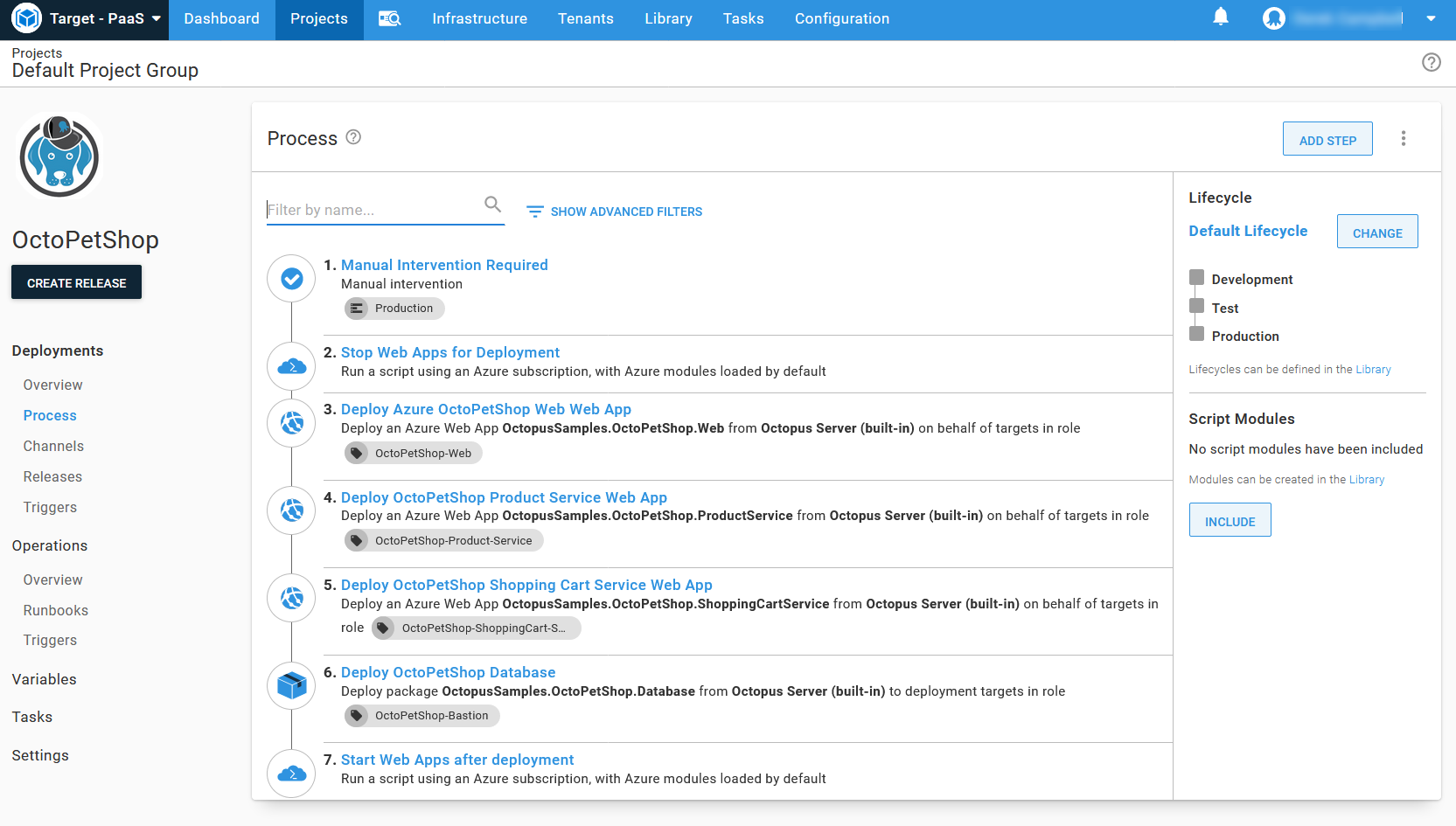
- Navigate to the deployment process screen.
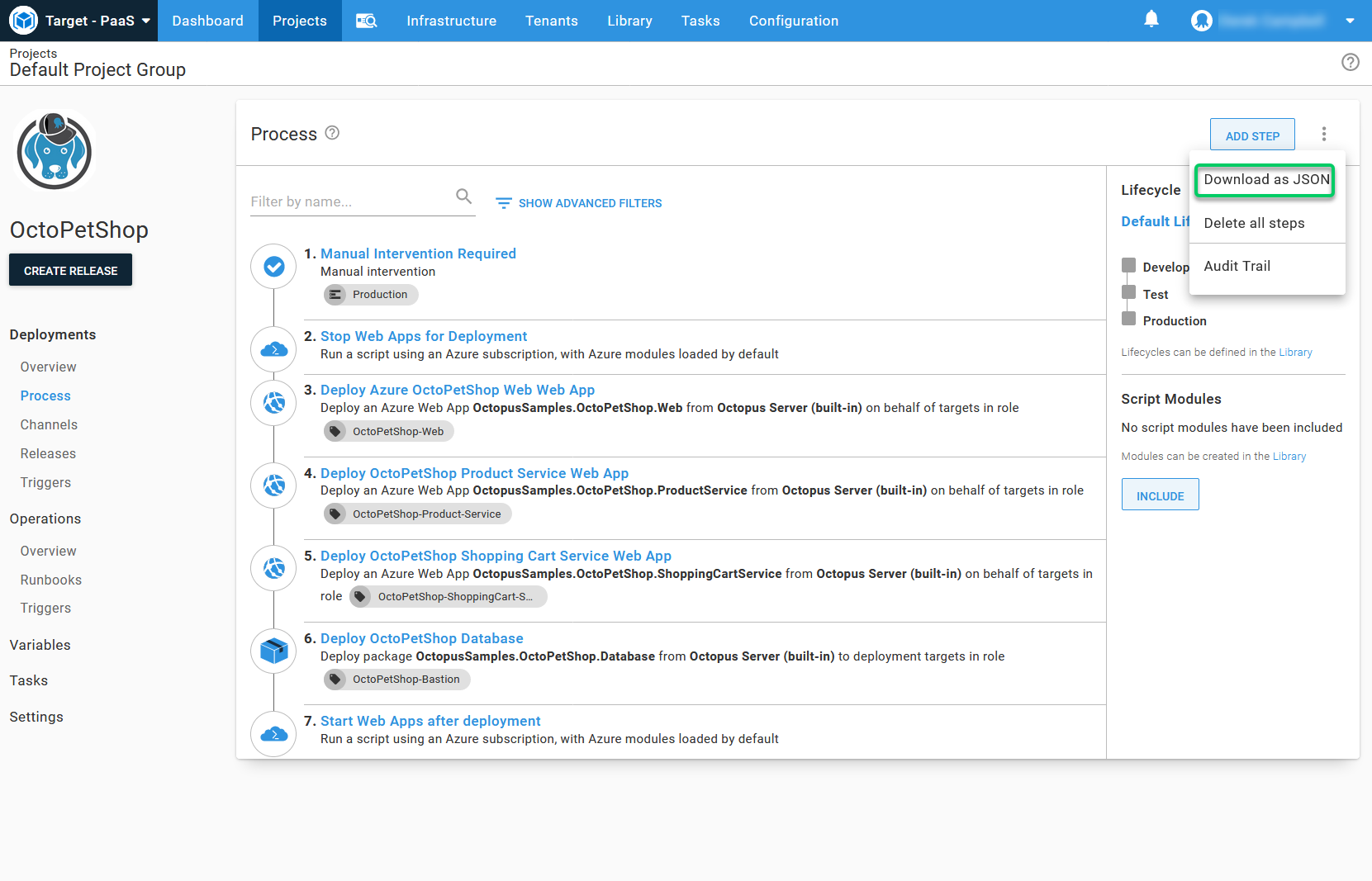
- Click
Download as JSONfrom the … overflow menu
Send this file to us, or attach it to your support request.
You might want to open the file in a text editor, and redact any sensitive information like hostnames or company information, before sending the data to us.
Page updated on Sunday, January 1, 2023